

Ergonomic Workspace Essentials for Comfortable Living in Dallas Apartments
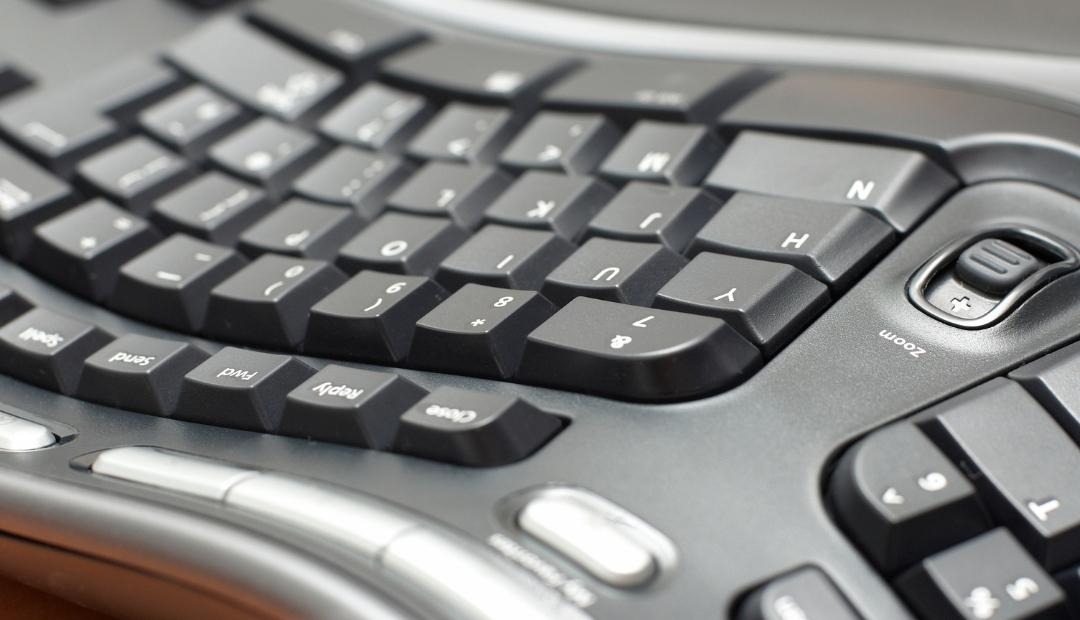
After spending hours on your computer, have you noticed discomfort creeping in? Beyond the usual stress, many experience repetitive strain injuries that can plague anyone whose work involves hours of typing and sitting.
Fortunately, there's a solution: creating an ergonomic workspace. Whether you reside in an apartment or work in a corporate office, designing a comfortable work environment can significantly reduce the occurrence of random aches from prolonged sitting. Let's explore six essential ergonomic factors to consider.
Chair
Your chair choice is pivotal in preventing strain on your back and hips. It's crucial to invest in a chair equipped with a hydraulic shaft or gas cylinder, allowing you to seamlessly adjust its height and achieve an ergonomic seated posture.
Your positioning is equally important—ensure your feet are flat on the floor, with your knees slightly lower than or aligned with your hips. Don't forget lumbar support! It preserves the natural alignment of your spine, while armrests lessen the burden on your upper body and lower back.
Desk
Your desk should offer ample space for your knees, thighs, and legs. It's more than desk height; an adjustable-height desk—or sit-stand desk—is a game-changer. Switching between sitting and standing throughout the day helps combat fatigue and muscle strain.
If you're looking for the perfect apartments in the vibrant Dallas area that support productive apartment life, keep flexibility and space in mind during the selection process.
Monitor
Your monitor should be an arm's length away and positioned at a comfortable eye level. This setup prevents the need to crane or bend your neck uncomfortably. If your desk doesn't accommodate this, consider investing in a riser to elevate your screen appropriately.
Keyboard and Mouse
How you position your keyboard significantly affects your comfort. Check if your shoulders are hunched or if your elbows are contorted awkwardly. If so, you might need to adjust your setup.
The ideal stance includes bent elbows at 90 to 110 degrees, with your wrists aligned levelly to your hands, and your shoulders relaxed.
Lighting
Task lighting is often overlooked in ergonomic design. If you're working from home in one of the many beautifully-designed apartments in Dallas, prioritize proper illumination. Using only ambient lighting might lead to eye strain. Align your lights with your screen's brightness and capitalize on any natural daylight by opening windows.
You
Ultimately, none of these ergonomic adjustments will matter if you neglect personal posture and comfort. Adopt a natural seating posture, avoid slouching, and stand up periodically to rest your eyes and stretch your body.
Create a soothing environment to alleviate stress—try adding houseplants for a touch of nature or indulge in aromatherapy with a diffuser on your desk. The key is ensuring your workspace works for you.
Why Choose Skyline Trinity When Searching for Dallas Apartments?
Located at 1900 N Beckley Avenue, Skyline Trinity offers flexible studio, one-bedroom, and two-bedroom layouts perfect for crafting an ergonomic and cozy home office. Enjoy community amenities like a fitness center, swimming pool, and rooftop deck, to decompress after a long workday. With essentials like stainless-steel appliances and private balconies, apartment life here blends comfort with convenience, making it an ideal choice when looking for a home in the city.